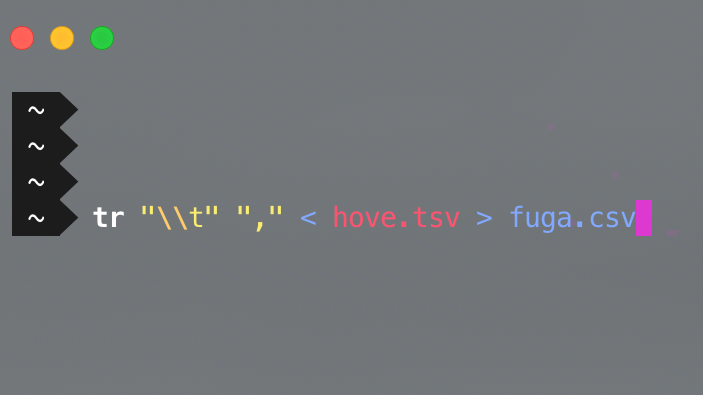
Hexoのテーマ「Icarus」を使う
Hexo用のテーマicarus(イカロス)を使います。
インストール
1 | $ git clone https://github.com/ppoffice/hexo-theme-icarus.git themes/icarus |
でリポジトリをクローンします。
設定
themes/icarusにいる_config.yml.exampleを_config.ymlにリネーム。
変えたところ
1 | # Comment |
くらい。logoやprofile、social_link_tooltip、searchは軒並みfalseに。
本体の_config.xmlは
1 | # Extensions |
に変更。
あとは普通にhexo serverするとテーマの変更が確認出来ます。
All articles on this blog are licensed under CC BY-NC-SA 4.0 unless otherwise stated.
Related Articles

2017-12-30
iPhone📱でhexoを更新する
iPhoneで更新といっても、ssh出来るマシンを用意して、マシン上でhexo new post hoge.mdするので、iPhoneだけで完結という訳ではないです。本当はオールインワンでやりたい…! 使うアプリ Byword Termius GoCoEdit Bywordマークダウン対応のエディタ。ファイルがiCloudで簡単に同期できるので、下書きやメモなど、書き留めたいことがあったら基本的に何でも入れておく用に使っています。WordpressやMediumなんかはそのままPublish出来るので大変便利。 TermiusSSHクライアント。有料アプリだけど、基本的なことだったら無料でいけます。これで用意したSSH出来るサーバに接続してhexo-cliを使います。 GoCoEdit上の2つをくっつけたようなアプリ。scpとSSHでリモートのサーバに繋げて、いい感じに公開まで持っていけます。これだけ有料。 流れマークダウンで下書き何か浮かんだときにパッと書きたいときにスマホで更新したくなるので、Bywordでメモ。清書した方が良いのかもと思いながらそのまま公開してしまうこと...

2020-07-08
HexoでNetlify Large Mediaを使って画像を管理する
静的サイトジェネレータで困るのが画像の管理。Gitのリポジトリに画像を含めればいいのですが、ある程度サイズが大きい画像ファイルをどんどん増やしていくのがちょっと嫌だったので、NetlifyのLarge Media機能を使ってリポジトリ上は画像ファイルを文字列として扱い、画像は別途Netlifyのサーバにアップロードできるようにします。 Netlify CLI入れるnpmで入れるか、 npm1npm install netlify-cli -g macだとHomebrewでも入れられます。 shell1brew install netlify-cli GitのリポジトリとNetlifyをリンクするshell1netlify login したあと、 shell1netlify link でリポジトリとNetlifyのアカウントをリンクします。 Netlify Large MediaのセットアップまでNetlifyのLarge Mediaプラグインを入れます。 shell1netlify plugins:install netlify-lm-plugin Gitのバージョ...
2020-07-08
play.jsでHexoを使って記事を更新する
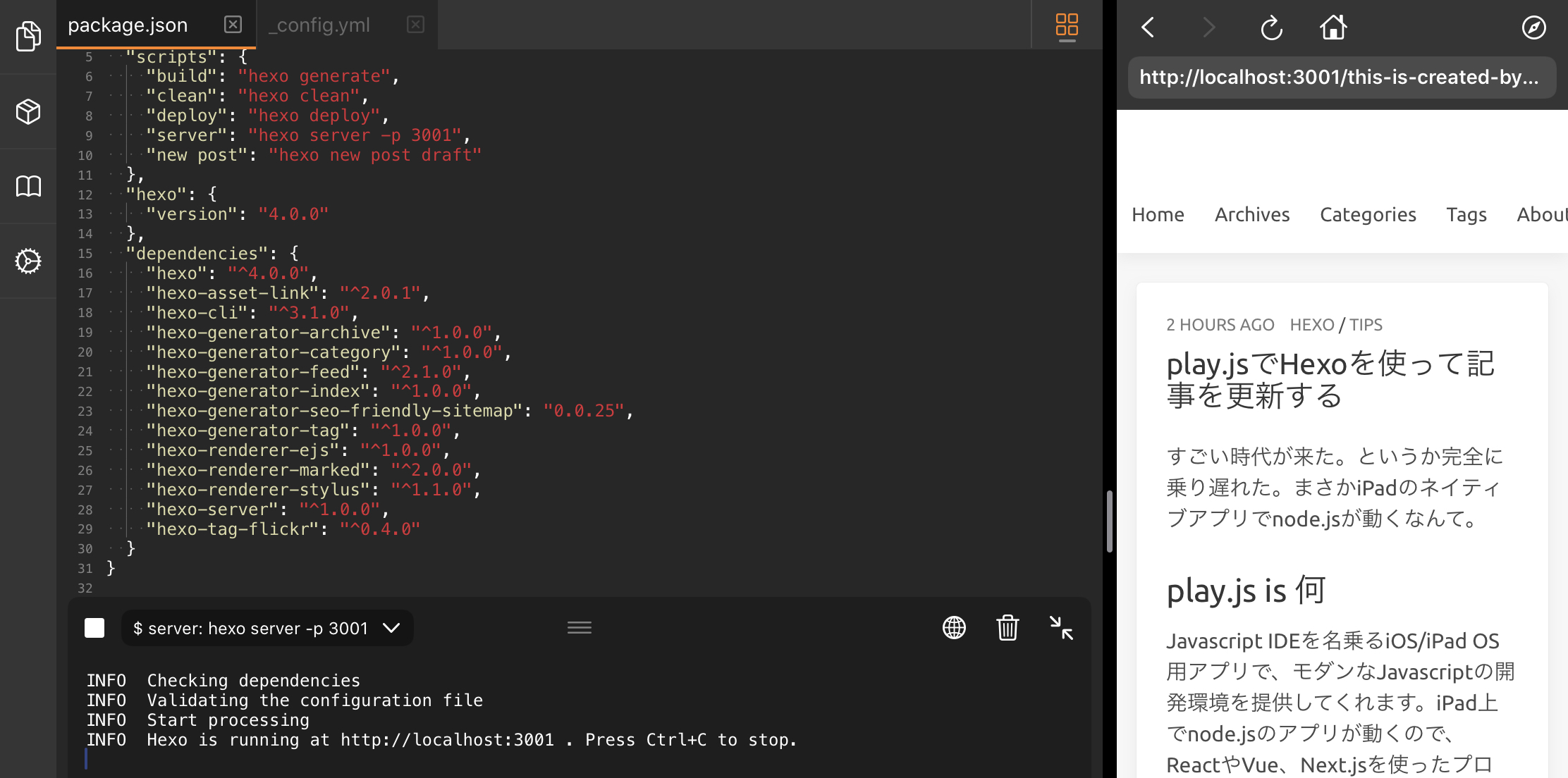
すごい時代が来た。というか完全に乗り遅れた。まさかiPadのネイティブアプリでnode.jsが動くなんて。 play.js is 何Javascript IDEを名乗るiOS/iPad OS用アプリで、モダンなJavascriptの開発環境を提供してくれます。iPad上でnode.jsのアプリが動くので、ReactやVue、Next.jsを使ったプロジェクトが開発できる!!!!すごい!!!!すごすぎる!!!!! 使い方play.js上にプロジェクトを作るか、githubなどのホスティングサービスからリポジトリをクローンします。iPadのローカルにあるgitリポジトリも読み込めるので、Working Copyのアプリ上で管理しているリポジトリを指定することも可能。これは有能すぎる。Working Copyのリポジトリを読めるということは、Textasticと連携してファイルを編集しつつ、play.js側で hexo serverし、localhostでサーバ立てながらコーディングも出来てしまう。ただ、まだそんなに安定していないのか少し経つとファイルの監視が止まって更新し...
2017-12-27
Hexoでブログ作ってNetlifyで公開する
概要Node.js製の静的サイトジェネレータであるHexoを使ってブログを管理しつつ、Netlifyで公開します。 使うもの Cloud9 Hexo Gitlab Netlify Cloud9Cloud9クラウド型のIDE。Gitlabで作ったプライベートリポジトリをgit cloneして使います。 HexoA fast, simple & powerful blog framework HexoHexo うまい、やすい、はやい。 インストールして使う1$ npm i hexo-cli -g でhexo-cliをグローバルにインストール。 1$ hexo init プロジェクト名 でhexo用のプロジェクトフォルダが作れるので、 1$ hexo init unmnt で作成。 12$ cd unmnt // 作ったプロジェクトに移動$ yarn install で必要なパッケージをインストール。 新しい記事を作る1$ hexo new post post-name source/_postsにpost-name.mdが作られます。 テスト1$ hexo server ...
2019-11-30
iPadでhexoを更新する
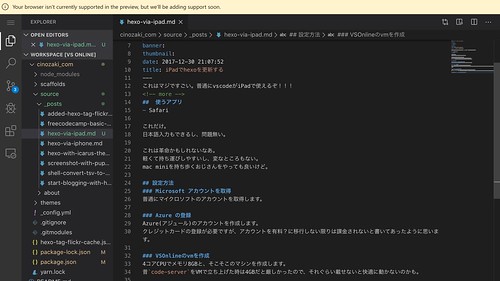
これはマジですごい。普通にvscodeがiPadで使えるぞ!!! 使うアプリ Safari これだけ。日本語入力もできるし、問題無い。 これは革命かもしれないなあ。軽くて持ち運びしやすいし、変なところもない。mac miniを持ち歩くおじさんをやっても良いけど。 設定方法Microsoft アカウントを取得普通にマイクロソフトのアカウントを取得します。 Azure の登録Azure(アジュール)のアカウントを作成します。クレジットカードの登録が必要ですが、アカウントを有料?に移行しない限りは課金されないと書いてあったように思います。 VSOnlineのvmを作成4コアCPUでメモリ8GBと、そこそこのマシンを作成します。昔code-serverをVMで立ち上げた時は4GBだと厳しかったので、それぐらい載せないと快適に動かないのかも。 作成したらLaunchして終わりです。

2018-10-06
hexo-tag-flickrを使って画像をFlickrで管理する
hexoでブログをするにあたって、Wordpressみたいに何も気にせず画像をアップロードして記事に貼り付けられなくなってしまいました。プロジェクトフォルダのimagesに画像をどんどん入れていけばいいんだけど、できればプロジェクト内に記事内の画像を含めたくないので、Flickrで管理するようにしました。 使ったのはGitHub - visioncan/hexo-tag-flickr: Use image tag from Flickr on your hexo blog posts!!。 {% flickr 44409769824 %} のようにFlickrの写真IDを指定すると、 こんな感じで画像が読み込まれます。とても便利。